Download Cryptora
for your phone.
Pick your phone: you get the newest version, what changed in it, and the right way to install it.
Cryptora for Android
Direct download · Oct 23, 2026
- Version
- 1.0.6 (2007)
- Released
- Oct 23, 2026
- Size
- 41.5 MB
- Requires
- Android 7.0+
What's new in 1.0.6
- The app now connects to our new address, cryptora.dev
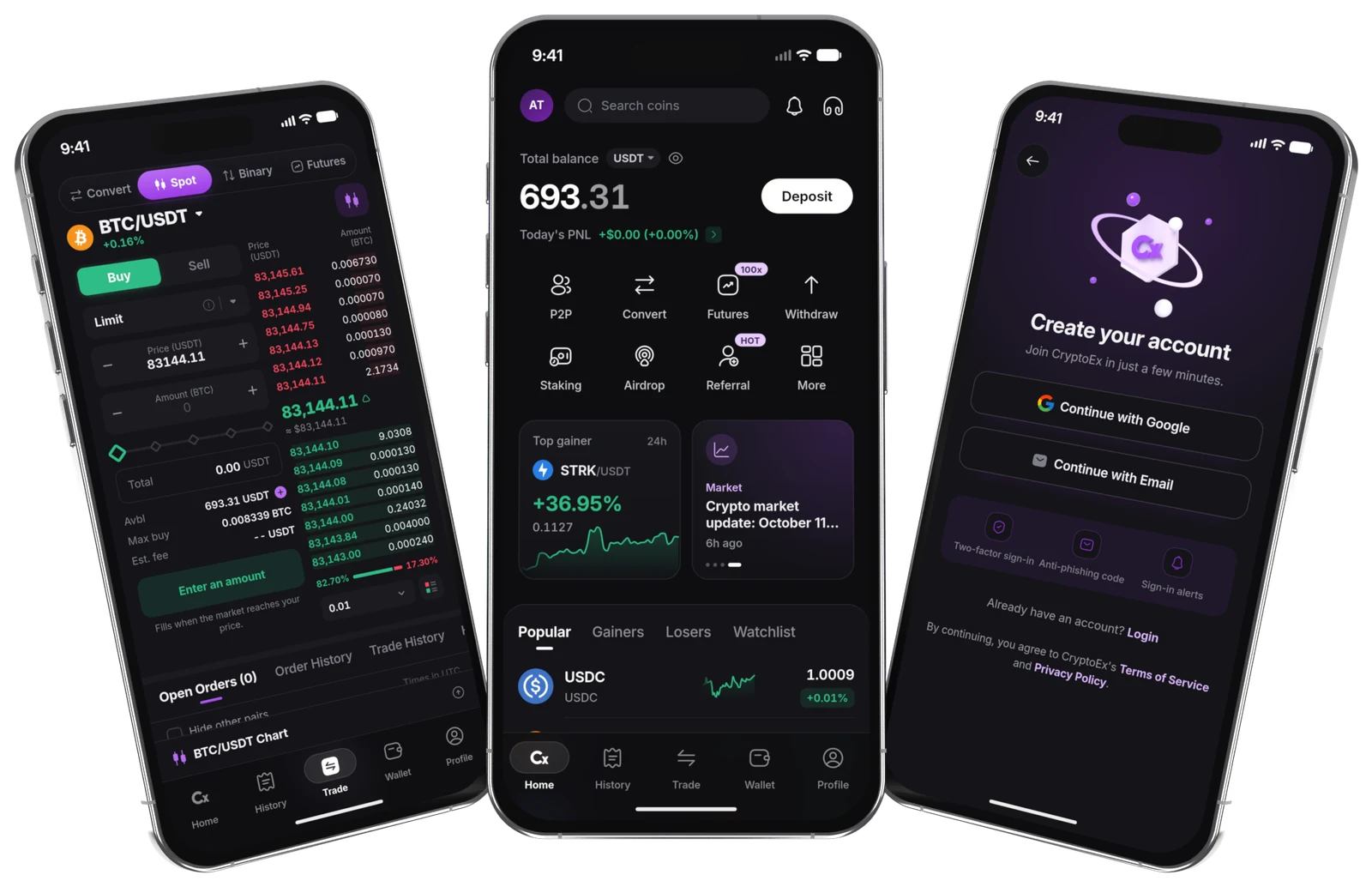
Spot and futures
Live order books, market and limit orders.
P2P with USD
Buy and sell crypto with other people.
Fingerprint unlock
Opens with your fingerprint or face.
Two-factor sign-in
A one-time code guards your account.
Spot and futures
Live order books, market and limit orders.
P2P with USD
Buy and sell crypto with other people.
Fingerprint unlock
Opens with your fingerprint or face.
Two-factor sign-in
A one-time code guards your account.
Android
Every version
Newest first. Open one to see what changed in it.
- The app now connects to our new address, cryptora.dev
SHA-256 a92eb23ec1f33fa4599c0b5fc6064d4e30bd458cf82868ea2a0ef69244e24af6
Android
Installing the APK
It installs like any other app once your phone allows it. It takes about a minute.
Check the file on a computer
certutil -hashfile Cryptora-1.0.6.apk SHA256shasum -a 256 Cryptora-1.0.6.apkStep 1
Download the APK
Tap Download APK on your Android phone. It saves to your Downloads.
Step 2
Allow the install
If asked, let your browser install apps: Settings, Apps, Special access, Install unknown apps.
Step 3
Open and install
Open the file from your notifications or Downloads and tap Install.
Step 4
Sign in
Open Cryptora, sign in with your email or Google, and turn on fingerprint unlock.
Questions
Before you install
Is the Android APK safe to install?
Yes, when it comes from this page. Every APK published here shows its SHA-256 checksum, so you can confirm the file on your phone is exactly the one we released before you install it.
Why does my phone ask before installing?
Android asks once before it installs an app that does not come from Google Play. Allow it for your browser, install Cryptora, and you can turn the permission off again afterwards.
How do I update the app?
Download the newest version from this page and install it over the one you have. Your account, settings and security options stay as they are.
Which phones are supported?
Android 7.0 or later on Android. The latest version is listed above for each.
Do I need the app to use Cryptora?
No. Trading, deposits, withdrawals and your whole wallet also work in your browser, with the same account.
Only from this page or the official stores
We never send app files in chats or emails, and our staff will never ask you to install an app. If someone does, it is not us.